CourseBuilder Tutorials
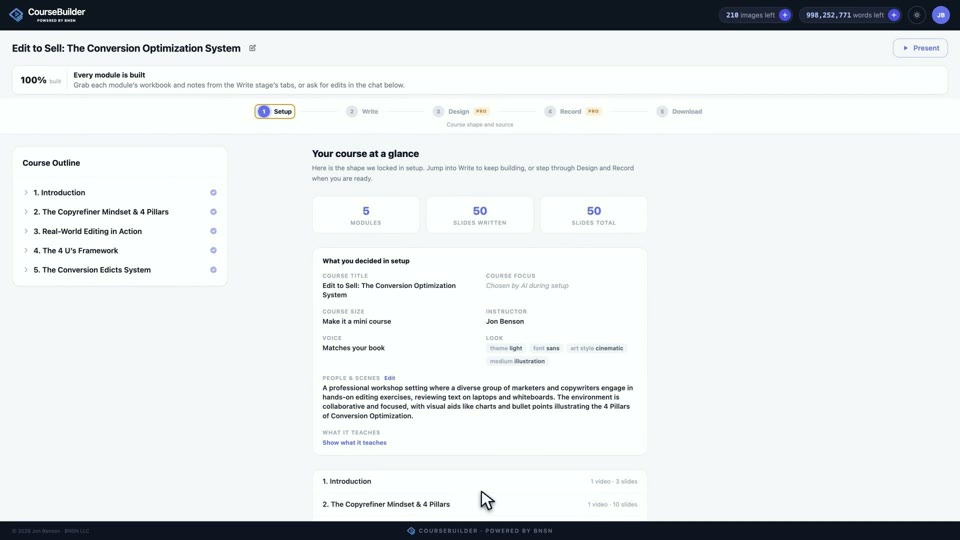
Setup · From source material to an approved outline
Setup turns one document into the whole shape of your course: the voice, the focus, the look, the people on the slides, and the outline every later stage builds from.
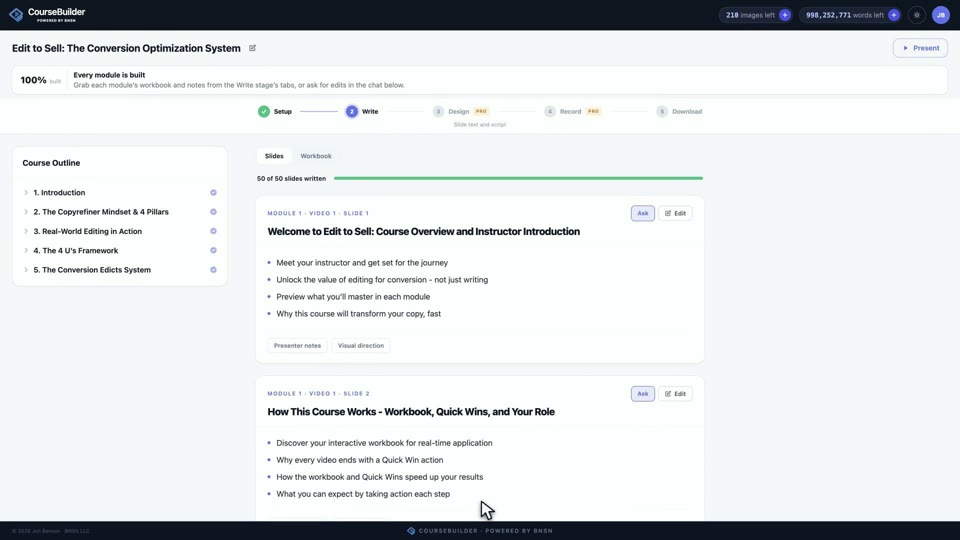
Write · Where the outline becomes your actual course
Write is where slide titles, learner-facing bullets, your presenter notes, and the visual instructions all take shape, with exact hand editing or guided AI revision on every slide.
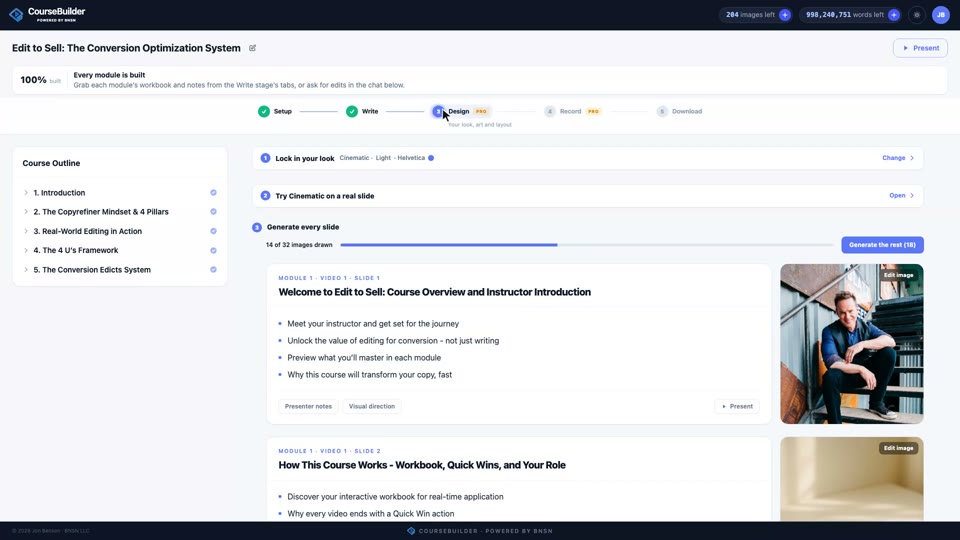
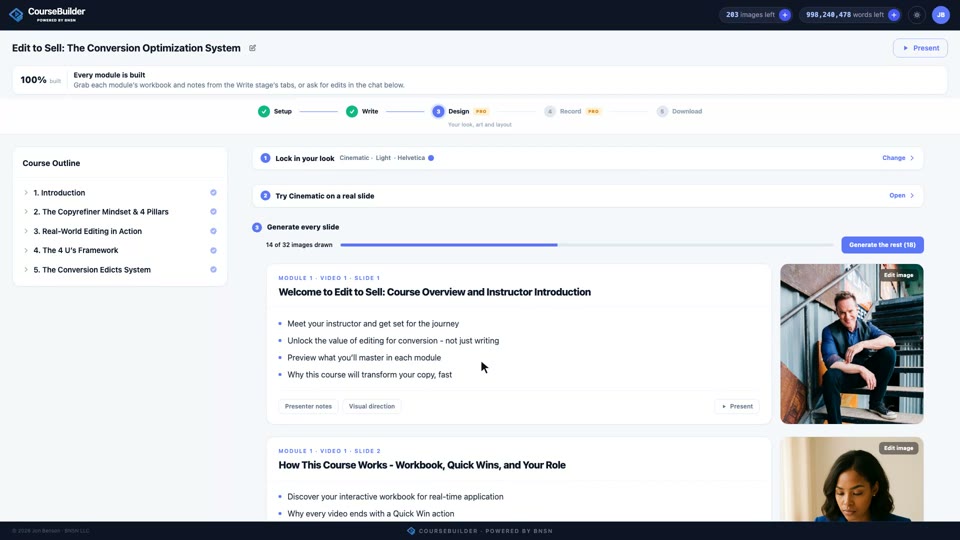
Design · One visual system for your whole course
Design is the Pro workspace where your written course becomes a consistent visual presentation: lock a look, test it on a real slide, then generate artwork for everything.
Present · The clean, learner-facing view of your course
This is where you present your course: enter from anywhere, navigate with real controls, put your private notes on a second monitor, and leave your audience nothing but the slide.
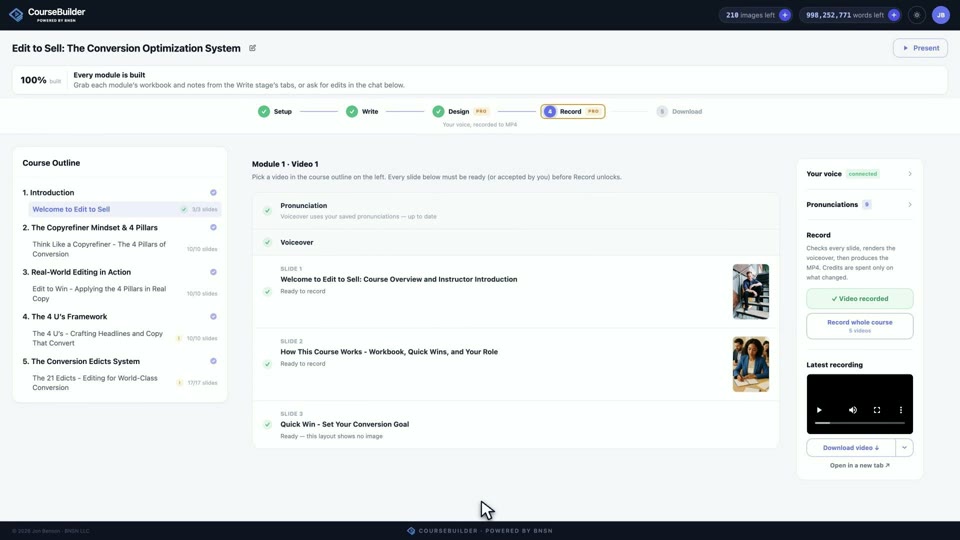
Record · Your voice on every slide, rendered to MP4
Record is the Pro workspace that checks every slide, renders your ElevenLabs voiceover, and produces the narrated MP4, with pronunciation handled before a single word is spoken.
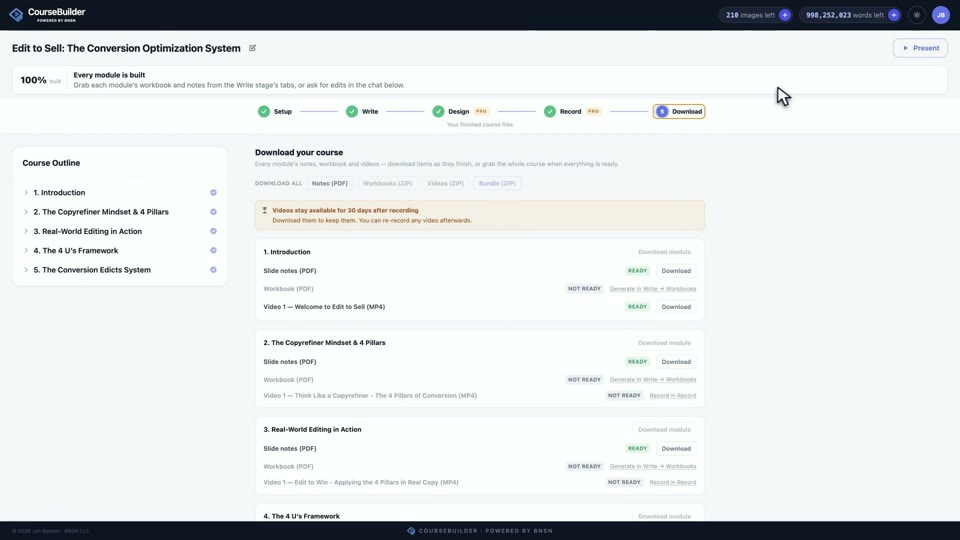
Download · Collect everything that’s ready
Download gathers the finished files: presenter notes, workbooks, and recorded videos, with every unavailable bundle clearly marked until its requirements are complete.